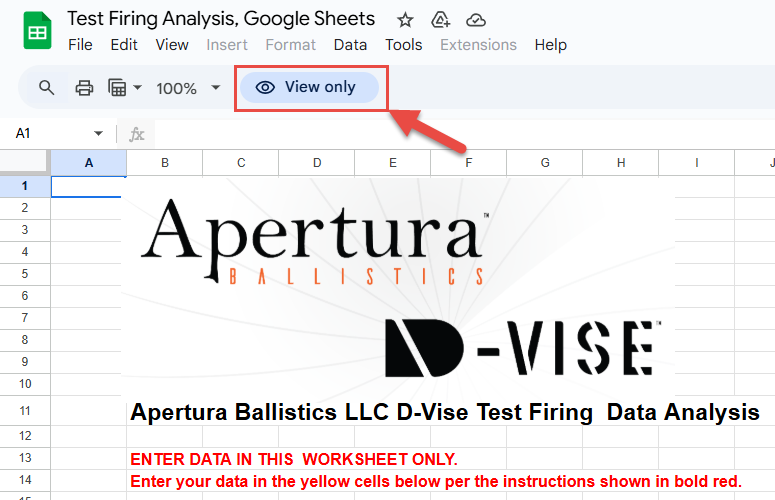
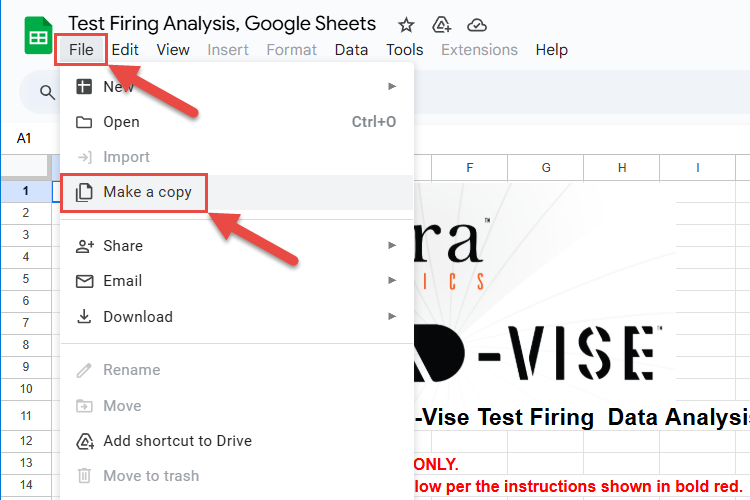
Using Google Sheets to do your target analysis... Open the Google Sheets Target Analysis file with this link: Google Sheets Target Analysis LinkWhen you open the file, it will open in a new tab and be “View Only”. You cannot enter any data until you save the file to another location. Select “File”, then “Make a Copy” and save the copy to the location of your choice, such as your own hard drive or Google Drive. You may now add your data into the file. See How to do the target analysis.